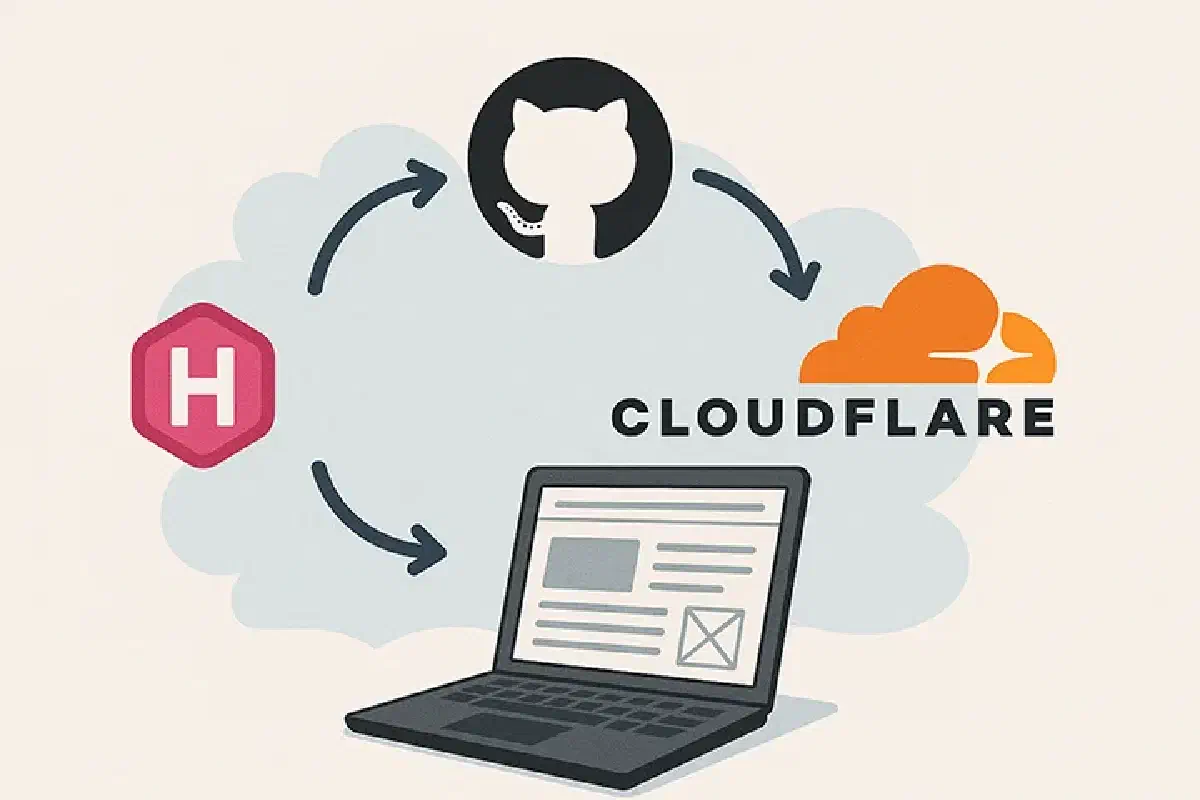
About 10 years ago, hosting a website meant paying $5/month for a VPS, configuring Nginx, and manually FTPing files. Today, we have the “Modern Web”—a beautiful, chaotic mix of static site generators, edge computing, vector databases, and zero-trust tunnels.
This website is a static site (Hugo), but it’s wrapped in layers of automation and serverless features that make it feel alive. Here is an architectural overview of how samsongama.com is built, deployed, and monitored, updated for the current implementation.
🏗️ The High-Level Architecture#
At its core, the site lives on the Cloudflare Edge. Content is distributed globally, while dynamic features (like the AI Chat) run on serverless workers. Analytics are self-hosted on my home lab but exposed securely to the internet.
graph TD
User((Visitor))

subgraph Cloudflare["☁️ Cloudflare Edge"]
    DNS[DNS & DDoS Protection]
    CDN[CDN Cache]
    WAF[Web App Firewall]
    Assets[Static Assets]
    Functions[Worker /api/*]
    Workers[Cloudflare Workers AI]
    Vectorize[Vectorize]
    KV[KV Chat Logs]
    Tunnel[Cloudflare Tunnel]
end

subgraph Github["🐙 GitHub"]
    Repo[Source Code]
    Actions[GitHub Actions CI/CD]
end

subgraph HomeLab["🏠 Home Lab"]
    Cloudflared[cloudflared daemon]
    Analytics[Analytics Container]
end

User -->|HTTPS| DNS
DNS --> WAF
WAF --> CDN

CDN -->|Static Content| Assets
CDN -->|Dynamic API| Functions
Functions --> Workers
Functions --> Vectorize
Functions --> KV
CDN -->|ping.samsongama.com| Tunnel

Tunnel <-->|Secure Connection| Cloudflared
Cloudflared <--> Analytics

Repo -->|Push| Actions
Actions -->|Deploy| Assets
Actions -->|Deploy| Functions
1. Development & Quality Assurance#
Quality starts before any deployment. Quality checks run through Make targets on demand and in CI:
- Linting:
make lintchecks all JavaScript (ESLint);make format-checkchecks YAML and CSS formatting; workflow linting usesactionlint. - Content Checks:
make audit-contentvalidates front matter coverage. Production rendering is checked separately in CI. - Tests:
make testruns the complete offline Node.js unit suite.
# The offline validation entry point
make ci-check
2. CI/CD: GitHub Actions#
Production deployment is handled by a GitHub Actions workflow on pushes to develop. Pull requests targeting develop run validation without deploying or making paid embedding calls. Make targets also support deliberate local builds and deployments.
The Pipeline Steps#
- Checkout: Pulls the latest code.
- Setup Node & Hugo: Installs dependencies.
- Validate & Build: Runs
make ci-check: workflow and JavaScript linting, offline tests with coverage, corpus checks, Worker bundling check, type checking, PostCSS/PurgeCSS, the production Hugo build, and generated-layout tests. - Detect Changes: Runs
make deploy-needed, which compares the commit the live Worker was built from (recorded in itsDEPLOY_COMMITvariable) with the current one. If no file that can change the site differs, the refresh and deploy are skipped; any doubt deploys. - Refresh Corpus: Runs
make ai-refreshto skip an unchanged corpus or embed a changed one into a versioned Vectorize namespace. It waits for indexing before preparing the matching deployment configuration; failure blocks deployment. - Deploy: Runs
make deploy-built, onewrangler deploythat uploads the validatedpublic/output as static assets and the Worker together, as a single live version. - Prune: Runs
make cleanup-vectors, deleting the vectors of older versioned corpora. It keeps the namespace the live Worker uses and the one before it, so a rollback can reuse recent vectors. Rolling back means redeploying an earlier commit.
For example, a CSS-only change can reuse the existing corpus. A published content edit changes the corpus hash and requires new embeddings before the deployment proceeds. Three caches (tools, Hugo modules, generated resources) and parallel Make jobs keep a cached run to about a minute.
sequenceDiagram
participant Dev as Developer
participant GH as GitHub Actions
participant Build as Build Container
participant CF as Cloudflare Worker
participant Vec as Vectorize DB
participant AI as Workers AI

Dev->>GH: git push develop
GH->>Build: Spin up Runner
Build->>Build: Install Hugo & Node
Build->>Build: make ci-check

rect rgb(20, 20, 20)
    Note over Build, Vec: Refresh changed corpus; skip unchanged corpus
    Build->>Build: Parse content and compute corpus hash
    opt Corpus changed
        Build->>AI: Generate embeddings
        AI-->>Build: Return vectors
        Build->>Vec: Upsert versioned records
        Build->>Vec: Wait for indexing completion
    end
end

Build->>CF: Deploy assets, Worker and matching namespace
CF-->>Dev: Deployment Success 🚀
Build->>Vec: Delete older corpora (keep live and previous)
3. The Edge: Cloudflare Ecosystem#
Once deployed, the site lives on Cloudflare’s network. Static hosting, edge caching and managed TLS reduce the infrastructure I operate; dynamic AI and storage still have usage limits and potential charges.
DNS & CDN#
Cloudflare proxies all traffic. This means:
- SSL is automatic: I don’t manage certificates; Cloudflare handles edge encryption.
- Caching: Static assets (images, CSS, JS) are cached in data centers close to the user, reducing latency.
- Build-Time Optimization: Hugo minifies output, while PostCSS/PurgeCSS builds the production stylesheet. This does not depend on Cloudflare auto-minification.
Workers & Vectorize (The “Smart” Layer)#
This is where the AI Assistant lives. A Cloudflare Worker handles /api/chat and /api/logs; Cloudflare serves the static site directly and runs the Worker first only for /api/*. Workers AI provides embedding and answer models, and Vectorize holds the searchable corpus. I do not operate a dedicated Python inference server or train model weights.
- Conversation: The browser sends bounded recent history. A follow-up such as “What did he do before that?” is rewritten into a standalone search question before embedding.
- Retrieval: Vectorize returns three semantic matches. Matching child excerpts expand into bounded source sections, with generic canonical-source links keeping curated summaries tied to authoritative public content.
- Generation: The answer model receives retrieved text, history and the original question, then streams its response. Insufficient context produces an abstention; service failures produce explicit errors.
- Transparency: The widget shows actual progress stages, public retrieved excerpts and expandable timing/token/cost diagnostics. Source retrieval does not independently verify an answer.
- State: Conversation history stays in browser storage across deployments until manually cleared. When configured, KV separately records questions, responses and answer-model usage.
For example, an internship excerpt can lead retrieval to the full newest-first employment section, rather than presenting that historical fragment as recent experience. This reduces missing context; it does not guarantee that a model interprets every date correctly.
Edge execution reduces the need to manage application servers, but model inference and retrieval still dominate some responses. I measure latency rather than assuming every answer is instant.
AI assistant: system boundaries and trade-offs#
The portfolio assistant is a RAG feature, not a trained model or a general-purpose agent. A Cloudflare Worker validates each request, rewrites contextual follow-ups when needed, retrieves three matches from the active Vectorize namespace, expands them into bounded source sections, then streams a Workers AI answer. The browser owns conversation history; optional KV logging is separate.
| Engineering concern | Current choice | Boundary |
|---|---|---|
| Corpus | Hugo-aware parsing, heading sections and overlapping child chunks | Chunk sizes are reasoned defaults, not tuned by a sweep |
| Retrieval | Semantic top-three search, parent expansion and canonical public links | No keyword hybrid, reranker or calibrated relevance threshold |
| Answers | Bounded context and completion; explicit low-context abstention | Prompt instructions do not verify every generated claim |
| Releases | Corpus-hash namespaces; deploy only after indexing; retain live and prior versions | One live Worker; rollback means redeploying an earlier commit |
| Evaluation | Labeled retrieval and answer fixtures; live calls run deliberately | Small, term-based checks are not factual accuracy or a quality gate pass |
I chose custom retrieval for control over canonical evidence, section expansion and versioned releases, while accepting ownership of parsing, indexing, cleanup and evaluation. Cloudflare AI Search is a credible lower-operations alternative; pricing and the current trade-off are covered in the assistant implementation article. I have no measured cost-savings claim.
That article also documents the baseline and its failures. The key operational distinction is that this site deploys a matching static build, Worker and corpus as one release; ordinary page requests remain static and do not invoke the AI Worker.
4. Observability: Self-Hosted Analytics via Tunnels#
I self-host Umami, served at ping.samsongama.com, rather than relying on a third-party analytics dashboard. Cloudflare still proxies the traffic, so self-hosting is not a claim that no external infrastructure handles the data. How do I expose the service without forwarding an inbound port on my home router?
Cloudflare Tunnels (cloudflared).
How it works#
Instead of forwarding port 443 on my home router, I run a lightweight daemon called cloudflared.
cloudflaredcreates an outbound-only connection to Cloudflare’s edge.- A public hostname,
ping.samsongama.com, routes analytics traffic through the tunnel. - Cloudflare Access can protect private dashboard routes, while the tracking script and collection endpoints must remain accessible to visitors.
flowchart LR
Visitor["Visitor Browser"]
CF["Cloudflare Edge"]
Router["Home Router (No Open Ports)"]
Server["Home Server"]
Container["Analytics Docker"]

Visitor -->|"HTTPS"| CF
CF <-->|"Encrypted Tunnel"| Server

subgraph HomeNetwork["Home Network"]
    Router
    Server -->|"Running cloudflared"| Container
end

style Router stroke:#f00,stroke-width:2px,stroke-dasharray:5
Benefits#
No Port Forwarding: The analytics service does not require an inbound router port or a public DNS record pointing directly to my home IP.
Edge Protection: Public requests pass through Cloudflare; this does not make the origin or application immune to abuse.
Access Control: I can put the dashboard usage behind Cloudflare Access (OAuth / Email OTP), so only I can view the data, while the tracking script remains public.
Conclusion#
This stack represents the sweet spot of modern web development: Static reliability mixed with serverless power, all glue-coded together with CI/CD and secured by Zero Trust networking.
Static delivery is inexpensive, but this is not an infinitely scalable or universally free stack. Workers AI, Vectorize and KV have quotas and usage-based costs, while self-hosting adds hardware, power and maintenance. The chat’s displayed cost estimates cover answer and rewrite tokens, not the entire infrastructure bill.
What’s Next#
- Retrieval quality: Expand regression questions and human review, especially for ambiguous follow-ups and unsupported claims.
- Runtime controls: Add request deadlines and rate limits, and measure behavior under concurrent traffic.
- Ingestion efficiency: Reuse unchanged document embeddings across corpus versions instead of regenerating the whole changed corpus.