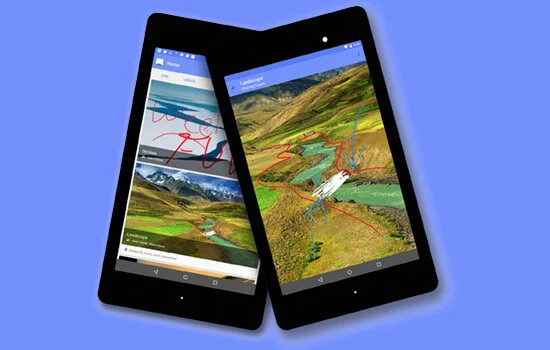
Core Features#
1. Peer-to-Peer Mesh Networking#
The standout feature of Boardcast is its connectivity versatility.
- Wi-Fi Direct & NFC: Users can “bump” devices to establish an ad-hoc high-bandwidth connection without a router.
- Local Network Discovery: Uses DNS-SD (Service Discovery) to find peers on the same Wi-Fi LAN.
- Custom Protocol: Designed a low-latency socket messaging layer to sync drawing paths and state changes across arbitrary numbers of connected devices.
2. High-Performance Drawing#
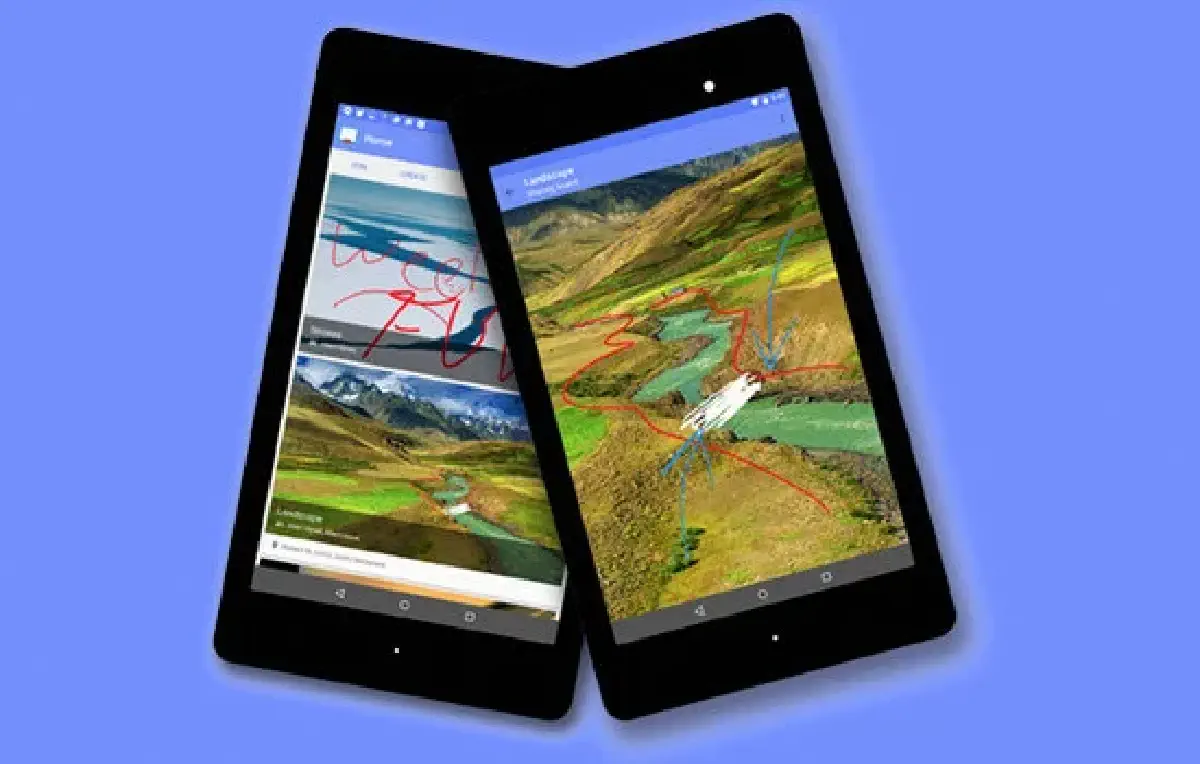
- Hardware Acceleration: Implemented a custom OpenGL-backed drawing view that discretizes touch inputs into smooth Bezier curves.
- Input Handling: Multi-touch support for zooming, panning, and drawing simultaneously.
3. Computer Vision Integration#
- Whiteboard Capture: Implemented a multi-threaded edge-detection and perspective correction algorithm (similar to Office Lens).
- Digitization: Users can snap a photo of a physical whiteboard, and Boardcast enhances contrast and flattens the image to be used as a digital canvas background.
Design & Polish#
The application was built following Google’s then-new Material Design guidelines, featuring custom view transitions, floating action buttons, and intuitive gesture controls. It was released on the Google Play Store and Amazon App Store, maintaining a high crash-free session rate.
Tech Stack:
- Platform: Android SDK (Java)
- Networking: Wi-Fi P2P (Direct), NSD (Network Service Discovery), Java Sockets
- Graphics: Android Canvas API, OpenGL ES
- CV: OpenCV (Android port)
Website: boardcastapp.com